Digital TV Antennas That Actually Work: How to Choose
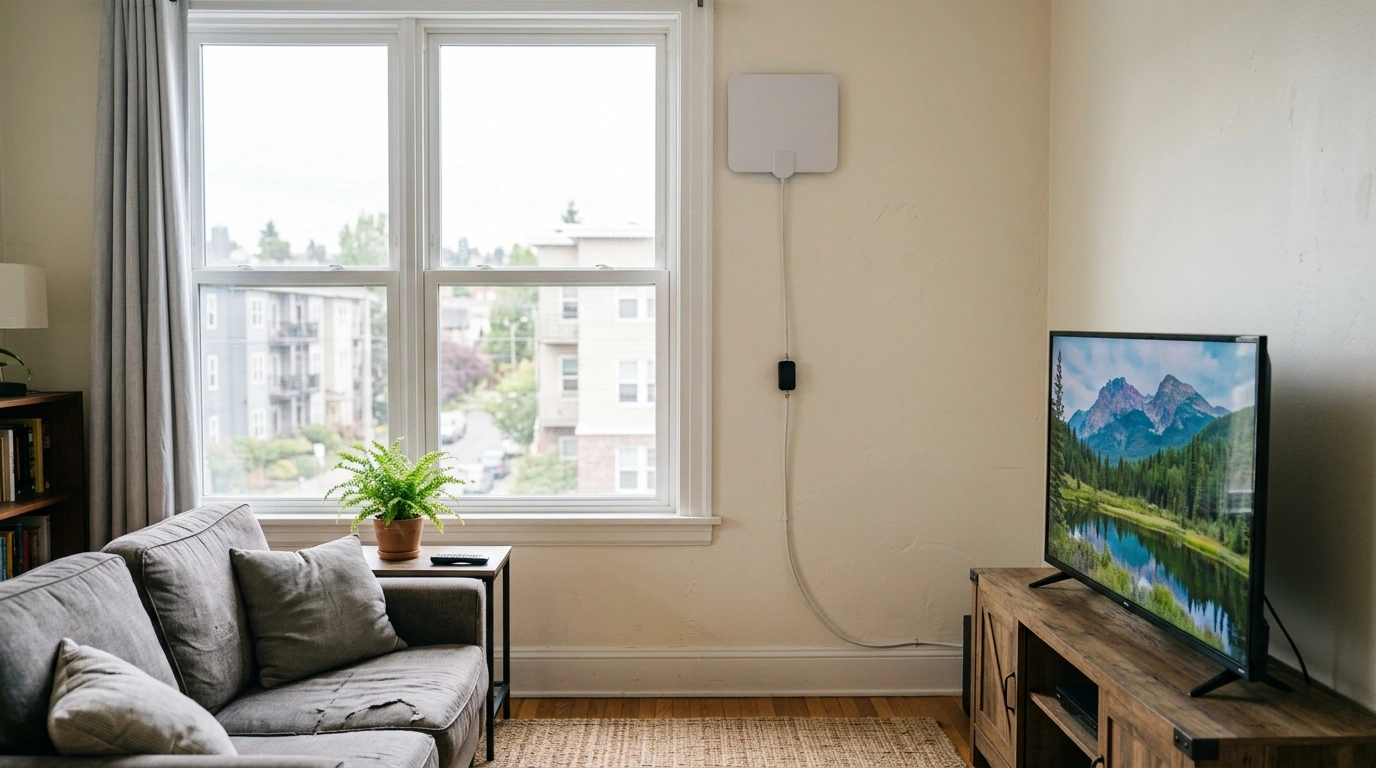
Is there a digital antenna that actually works?
Yes—digital TV antennas can work extremely well, but only when the antenna type and setup match your location. Over-the-air (OTA) broadcasts are free and reliable in many areas, yet reception depends on distance to towers, terrain, building materials, and whether you’re trying to use the antenna indoors or outdoors. When you choose the right antenna and place it correctly, you can often get clear local channels in HD without monthly fees.
What “actually works” looks like in real homes
In practice, the antennas that “work” are the ones sized for your signal conditions. If you’re close to towers, a basic indoor flat antenna may be enough. If you’re farther out or surrounded by trees or hills, a larger outdoor/attic antenna is typically more dependable. We also see better results when you prioritize placement—higher, near a window, and away from large metal objects or electronics that can introduce interference.
How to pick the right digital antenna
1) Match antenna style to your environment
Our team recommends indoor antennas for apartments and strong-signal areas, attic antennas for a cleaner look with improved height, and outdoor antennas when you need maximum reception stability. Outdoor mounting usually wins when you’re dealing with weak signals or heavy obstruction.
2) Don’t over-rely on big range claims
“500-mile” style marketing isn’t a performance guarantee. What matters more is using an antenna with enough gain for your needs, aiming it properly, and avoiding signal losses from long cable runs or splitters.
3) Use amplification the right way
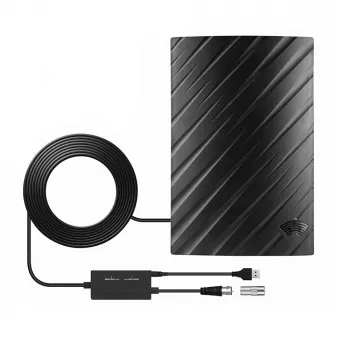
A booster can help when signal loss happens after the antenna (long coax, multiple TVs). It won’t fix a poor antenna location, and it can overload tuners in strong-signal areas. If you add amplification, keep the coax run tidy and use quality connectors.
For a step-by-step walkthrough on placement, boosters, and practical setup, see our guide: https://ruleno.com/guide-500-mile-indoor-hdtv-antenna-setup-booster-tips/.
Quick setup moves that improve results
Start by scanning for channels, then move the antenna a few feet at a time and rescan. Try higher placement, face it toward the strongest tower direction, and reduce splitters until you confirm solid reception. Once channels lock in, secure the antenna and route the cable so it isn’t kinked or crushed.
FAQ
Do I need an amplifier for a digital TV antenna?
You may need an amplifier if your coax run is long, you’re splitting to multiple TVs, or you’re in a weaker signal area. If you’re close to towers, an amplifier can hurt by overloading the signal.









Leave a comment